
 By
By 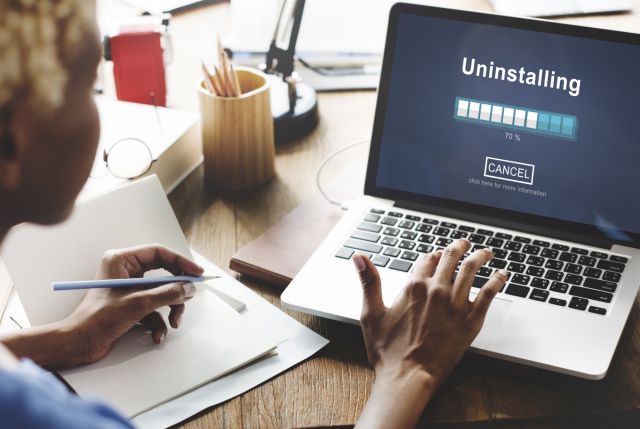
A slow laptop can be frustrating, especially when you’re trying to work or attend meetings. Here’s how to fix it. First, uninstall unused apps — they consume system resources. Next, disable startup programs from Task Manager (Windows) or Login Items (Mac). Add more RAM or switch to an SSD for better speed. Clear temporary files using tools like Disk Cleanup or CCleaner. Also, keep your OS and drivers updated, as updates often fix bugs and improve performance. Use a lightweight antivirus and avoid using too many background apps. If your browser is slow, clear the cache and limit extensions. Finally, restart your system regularly. These steps can help even older laptops run faster without spending extra money.












Comments