
 By
By 
Computer security has become more crucial than ever. As we increasingly rely on computers for personal, professional, and financial tasks, the risk of cyberattacks, data breaches, and identity theft grows. Whether you’re using your computer for business transactions or browsing the internet for leisure, understanding the basics of computer security is vital for protecting your sensitive information.
Why Computer Security Matters
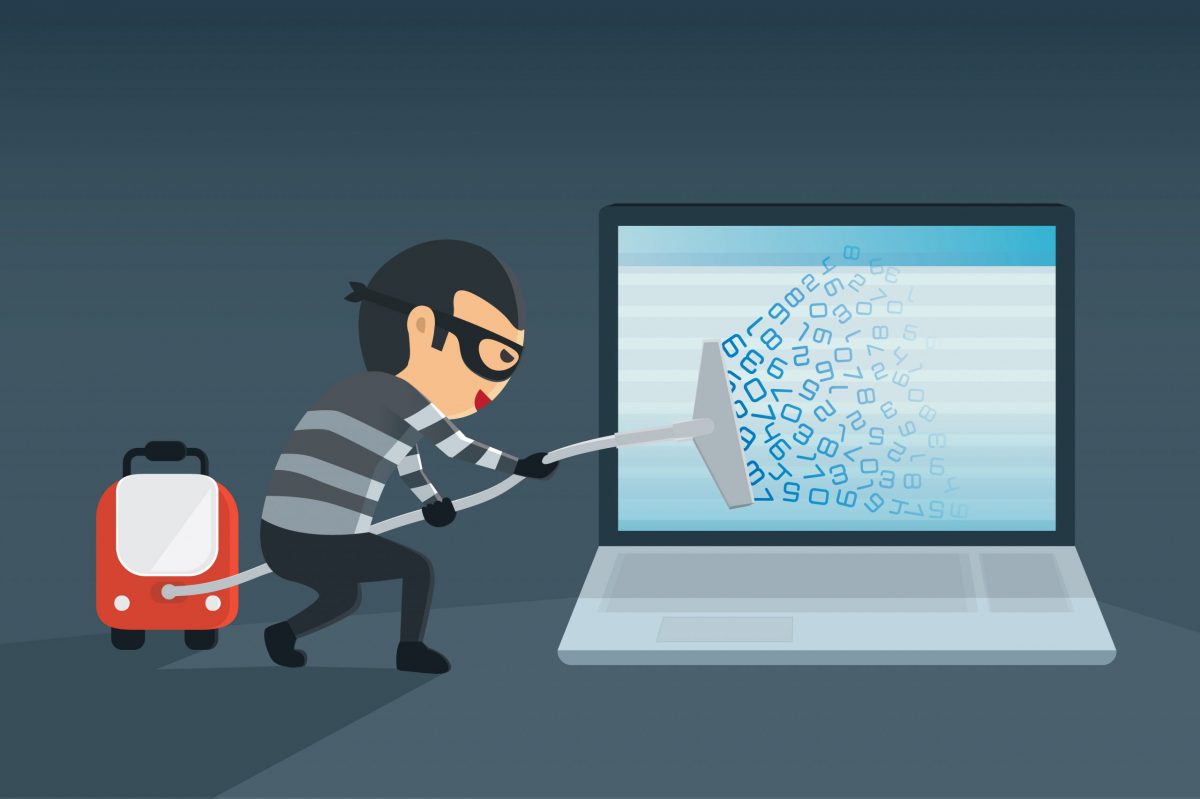
Computer security isn’t just about preventing viruses or malware. It encompasses a wide range of measures designed to protect your data and ensure your privacy. With the rise of cybercrime, individuals and businesses alike are vulnerable to attacks that can result in significant financial losses, reputational damage, or even legal consequences. The more we store personal and business data online, the more it becomes a target for hackers.
Good computer security practices help protect sensitive information, such as passwords, financial details, and business data, from unauthorized access. It is also essential for maintaining the integrity of your system, ensuring it runs smoothly without interruptions from malicious software.

computer security
Key Elements of Computer Security
There are several key components of computer security that everyone should consider:
-
Antivirus Software: One of the most common defenses against cyber threats is antivirus software. It works to detect and eliminate harmful software, including viruses, spyware, and ransomware. It’s essential to keep this software up to date to defend against the latest threats.
-
Firewalls: A firewall is a protective barrier between your computer and external networks, like the internet. It monitors and controls incoming and outgoing traffic to prevent unauthorized access to your system.
-
Encryption: Encryption is the process of converting data into a code that is unreadable without a decryption key. This helps ensure that even if your data is intercepted, it cannot be accessed by unauthorized individuals.
-
Strong Passwords: A robust password is one of the simplest yet most effective ways to protect your computer. Strong passwords should include a combination of letters, numbers, and special characters. Using different passwords for each account and enabling two-factor authentication (2FA) can also enhance your security.
-
Regular Backups: Regular backups of your important files protect you against data loss due to accidental deletion, hardware failure, or cyberattacks. Storing backups in a separate, secure location is recommended.
Best Practices for Maintaining Computer Security
While the aforementioned tools are essential for protecting your computer, there are additional practices you can implement to strengthen your security:
-
Update Software Regularly: Cybercriminals often exploit outdated software vulnerabilities. Ensure your operating system, applications, and antivirus software are always up to date with the latest security patches.
-
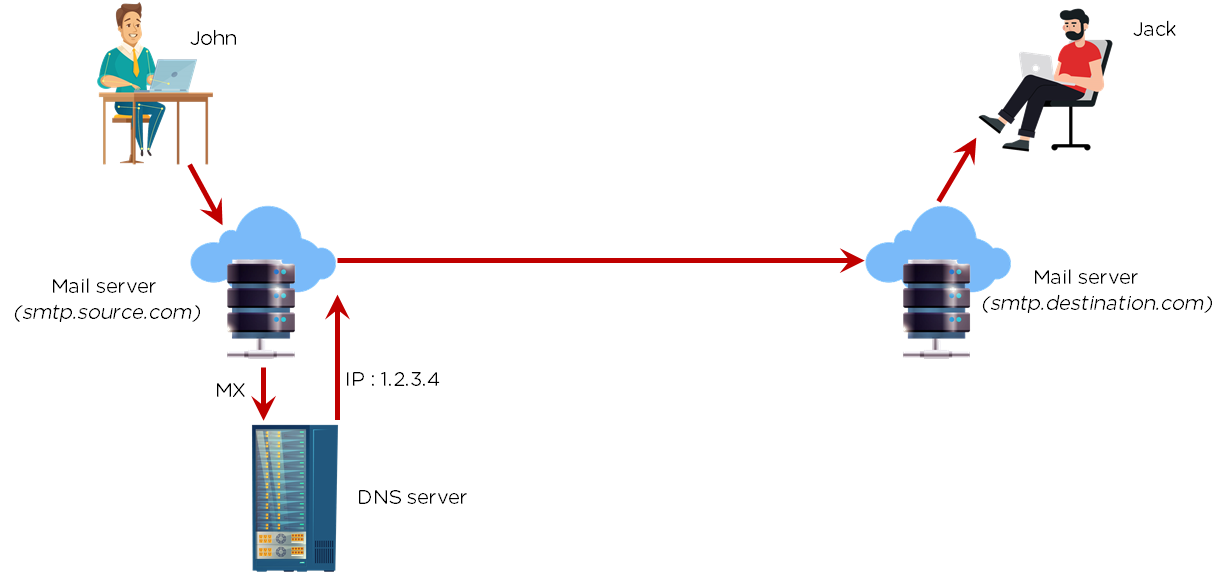
Be Cautious with Emails and Links: Phishing attacks, where attackers trick you into clicking on malicious links or downloading infected attachments, are becoming increasingly sophisticated. Always verify the source before clicking on links or opening attachments, especially in unsolicited emails.
-
Limit Access to Your Computer: Restricting physical access to your computer is another essential practice. Keep your device in a secure location, and never share your login credentials with anyone who does not need them.

computer security
Conclusion
In conclusion, computer security is an ongoing responsibility that requires a combination of awareness, tools, and best practices. By incorporating the right security measures into your digital routine, you can significantly reduce the risk of cyber threats. As technology continues to evolve, staying informed about the latest security trends and adapting your approach will help you protect yourself and your data in an increasingly connected world. Don’t wait for a security breach to take action—start prioritizing computer security today!









Comments